
Import Brewfather recipes
There is no account link and no API between the two apps. Brewfather exports a file, and we read it. That is the whole path, and it works for one recipe or a hundred.
Getting the file out
Section titled “Getting the file out”Open the recipe in Brewfather and use its export option. Brewfather offers BeerXML and BeerJSON, and either works. BeerJSON is the newer format and carries units explicitly, so pick it where the choice is offered. Brewfather can also export its whole recipe library as a batch of files, which is the way to move everything at once.
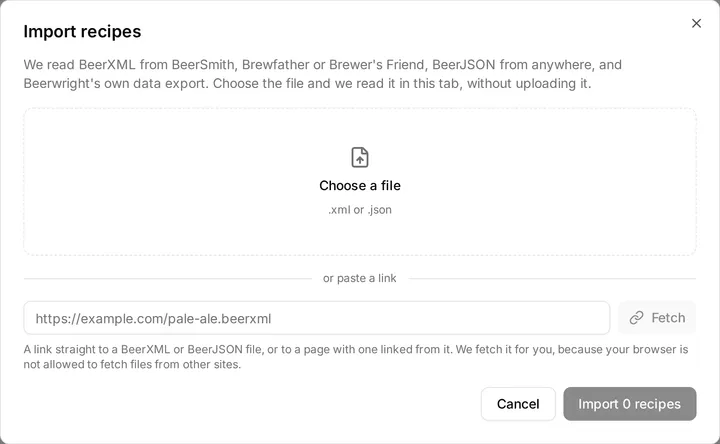
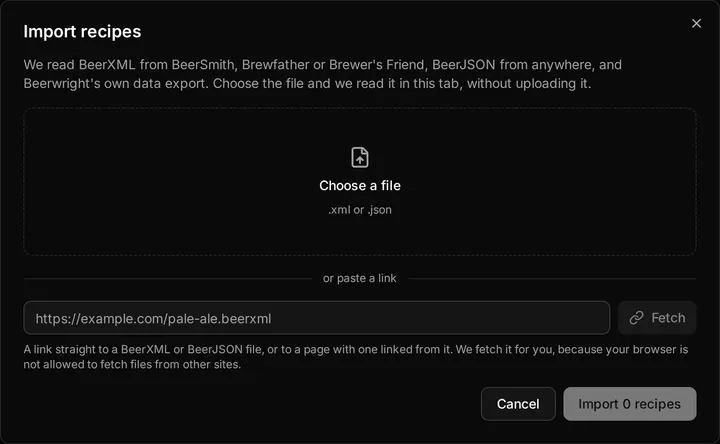
Then in Beerwright, Import on the recipes page, choose the file, and read the preview before you accept it. The importing page explains what the preview is telling you and the rule that decides every field: the file supplies every number it stated, and the catalog fills in only what the file could not say.
What to expect
Section titled “What to expect”Ingredients match by name. Brewfather’s names are close to the makers’ own, so most malts and hops match a catalog entry and gain the mash-pH chemistry a file cannot carry. A miss is ordinary: the ingredient is built from the file’s own figures, calculates identically, and is marked as custom in the import notes.
Whirlpool additions survive. Brewfather writes a hop stand as
USE=Aroma with the stand duration, because BeerXML predates whirlpool
hopping. We read that as a whirlpool addition with the stated time as the
stand, rather than a zero-minute boil addition that would throw away
every IBU a modern hoppy recipe gets there.
Dry-hop times are days. Brewfather writes dry-hop time in days where BeerSmith writes minutes. A time of sixty or less is read as days, which is how a four-day dry hop arrives as four days.
Equipment does not come across. BeerJSON carries no equipment block and Brewfather’s BeerXML equipment section does not map onto a Beerwright profile, so imported recipes land on your default equipment profile. Set up your rig under Profiles first and switch the recipe to it after import.
Batches and the fermentation log stay behind. The file is a recipe. Brewfather’s batch records and its device readings have no place in a recipe export, and we do not read them. Your stock comes across separately; see below.
The vitals in the file are not used. The preview shows what Brewfather said the OG and IBU were beside what we compute, and then we keep ours. Small differences are the two engines’ models disagreeing, and the FAQ says which models we use.
A device already posting to Brewfather
Section titled “A device already posting to Brewfather”If a controller or a relay posts your fermenter’s readings to Brewfather’s custom stream, it can post to us without changing its body. Paste a device URL where the Brewfather one goes; the devices page has the field list.
Your stock
Section titled “Your stock”Brewfather can export your inventory too. Use its inventory export and choose Brewfather JSON, then Import on the Inventory page. The inventory page says what comes across and what doesn’t.
Related
Section titled “Related”- Switching from Brewfather, for the whole move in order, and the months you already paid for.
- Importing recipes, for the rules every import follows.
- Importing from BeerSmith, Importing from Brewer’s Friend.
- Plans, for importing more recipes than the free plan holds.
Something wrong on this page? Tell us.