
The brew sheet
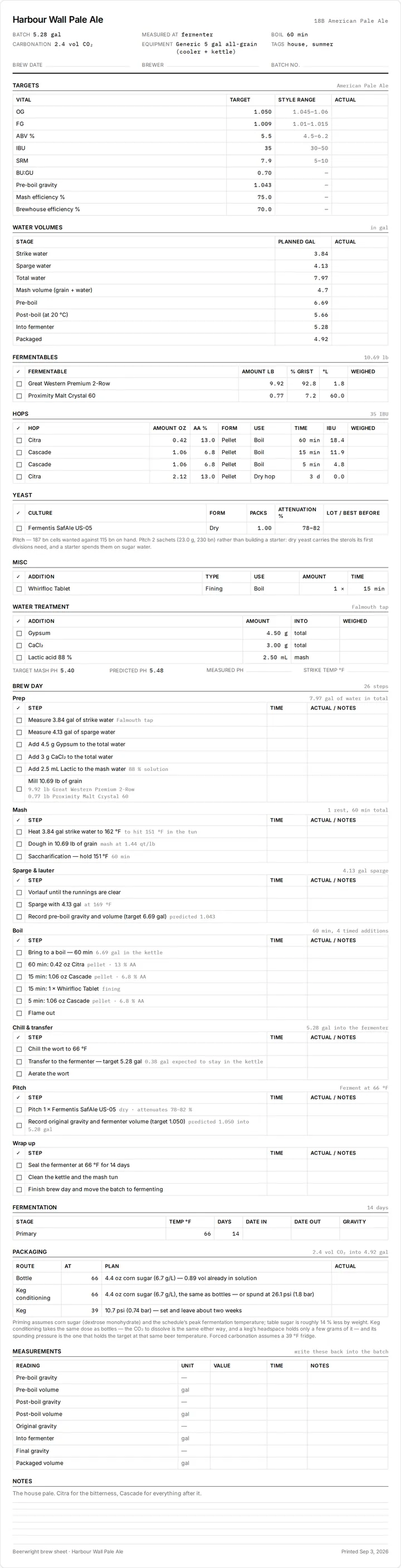
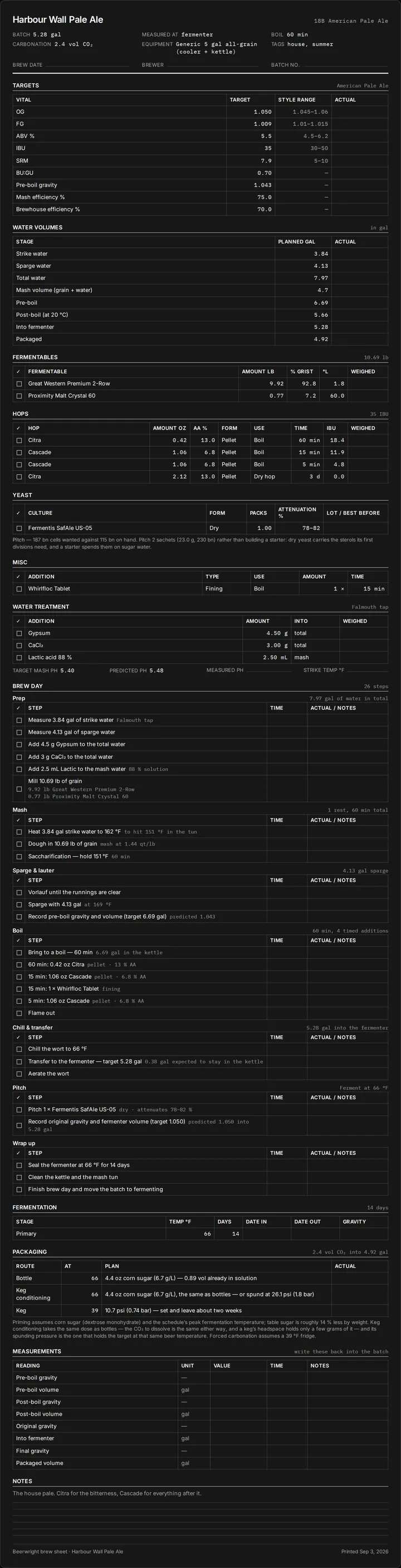
A recipe printout tells you what to do. A brew sheet is the thing you write on while you do it. There are two doors to one. Print brew sheet… in a recipe’s overflow menu prints the recipe as it stands. Print brew sheet on a batch’s page, while the batch is still planned or on its brew day, prints the copy of the recipe that batch froze when it was made. Either way the sheet is laid out for A4 and US Letter, with every planned number printed beside an empty box for the figure you actually get.
Printing it
Section titled “Printing it”The page has one button, Print, and it uses your browser’s print dialog, so Save as PDF is there if you want a file rather than paper. Everything on the sheet is built in your browser, in your display units, character for character what the tablet would show you on brew day. A recipe’s sheet reads the recipe as it stands. A batch’s sheet reads the copy the batch froze, so editing the recipe after the batch was made does not change the paper: the sheet says what the batch’s page says.
What is on it
Section titled “What is on it”The header carries the batch size, the boil, the carbonation target, the equipment profile and the tags, then three blanks: brew date, brewer and batch number.
Targets prints each vital with its target, the style range beside it, and an empty Actual column: OG, FG, ABV, IBU, color, BU:GU, pre-boil gravity, and both efficiencies.
Water volumes and Water treatment come from the water panel.
Fermentables, Hops and Misc print with a tick box per row and the quantities in your units. Yeast adds a blank for the lot and best- before date. Under it, a Pitch line appears only when a starter is called for, sized from the same model the starter dialog uses, or the sachet answer for an all-dry pitch. A brew sheet is a checklist, and a line saying “nothing to do” is a line to read for nothing.
Brew day is the step-by-step timeline, built by the same code that runs brew-day mode, so the printed checklist is step for step what the screen will show on the day.
Fermentation prints the schedule. Packaging prints all three routes at once, bottle, keg conditioning and keg, in the same words the packaging panel uses, each with a blank for what you did. The footnote says which sugar and which temperatures the figures assume.
Measurements is a table of the readings you take on the day, pre-boil and post-boil gravity and volume, OG, into-fermenter, FG and packaged volume, with a column for the time. Some of those figures also have blanks higher up; this table is the one to copy from when you write them back into the batch afterwards.
Notes prints the recipe’s notes and then six ruled lines.
An ingredient section with nothing in it says so rather than printing an empty table, because a blank section reads as a printing bug.
Related
Section titled “Related”- Brew day and batches, for the mode the sheet mirrors.
- Packaging and carbonation.
- Yeast and pitching.
Something wrong on this page? Tell us.