
The assistant
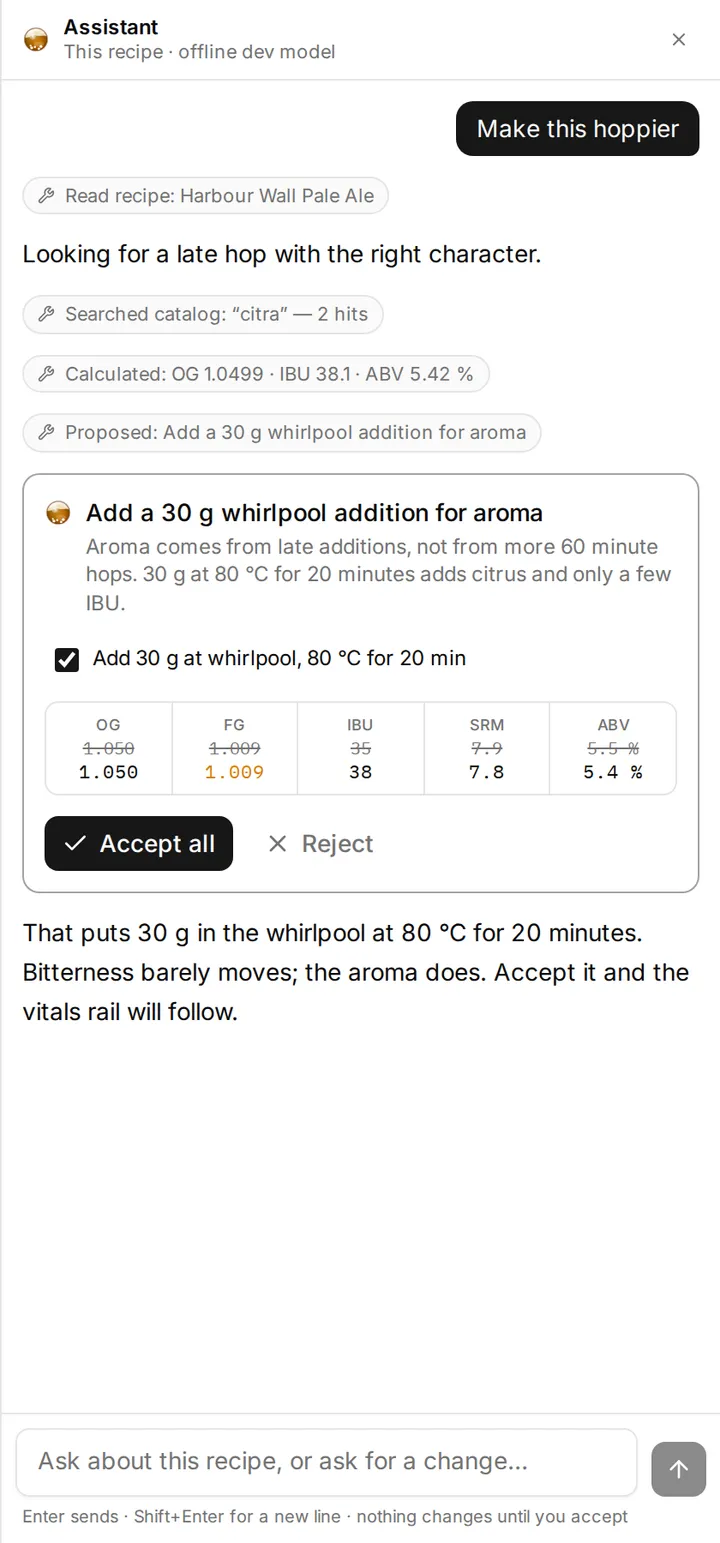
The assistant sits in a drawer on the right of the editor. It can read your workspace and propose changes to it, and it cannot do anything to your recipes that you have not looked at first.
What it can see
Section titled “What it can see”Your recipes, batches, blends, inventory, custom ingredients, equipment and water profiles, saved schedules, and your unit settings. It reads them through named tools rather than being handed everything, so it fetches your equipment profile before explaining an efficiency figure and your inventory before telling you whether you can brew something.
It can also search the ingredient catalog and look up BJCP styles.
What it cannot do
Section titled “What it cannot do”It cannot invent an ingredient. Every malt, hop and yeast it names has to exist in the catalog or in your own custom ingredients. This is a hard constraint rather than an instruction it is asked to follow, and it is the single most useful thing about it: a chatbot that cheerfully suggests a malt nobody sells is worse than no help at all.
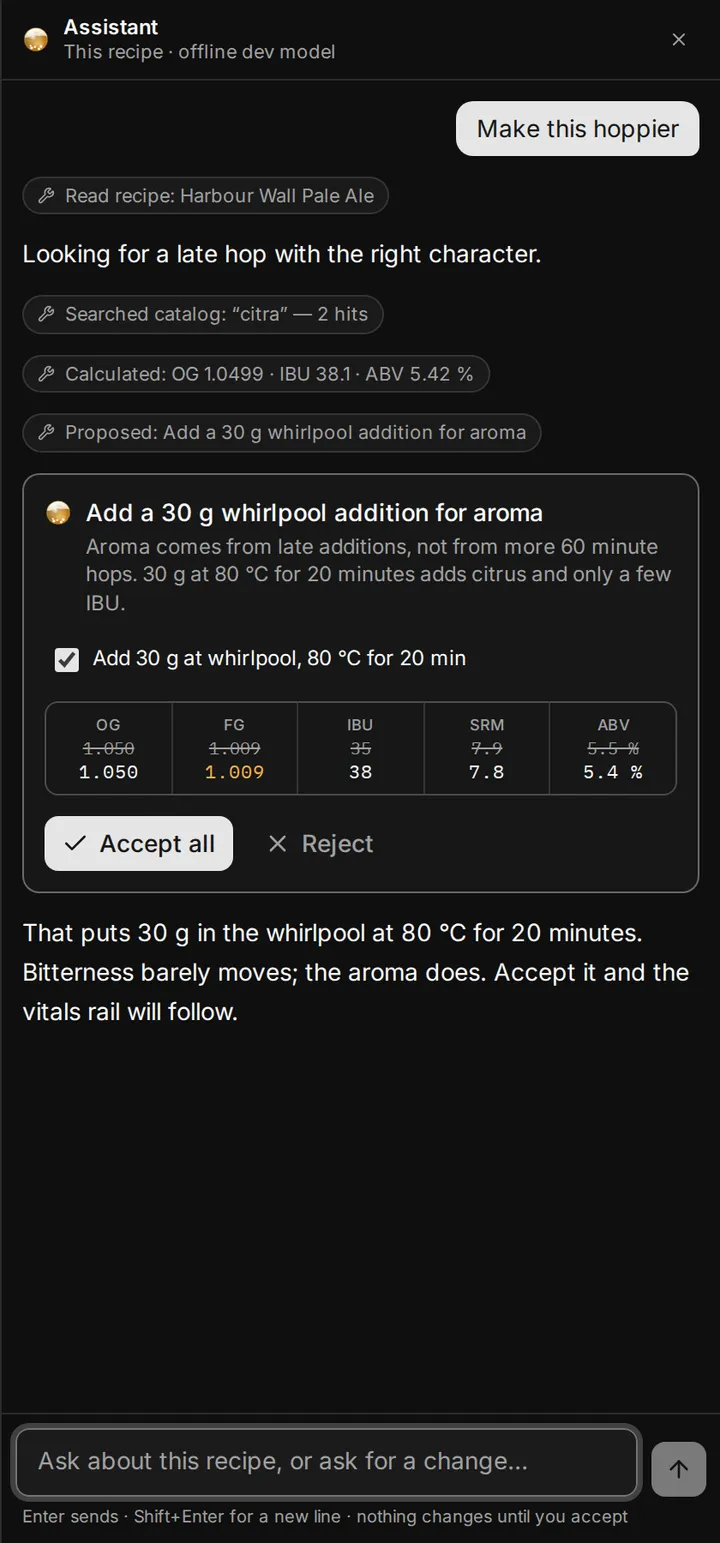
It cannot change anything without you. Every edit arrives as a diff with a live preview — you see the numbers move before you accept. Accepting is one keystroke and undo is the same keystroke as always.
It does not see your name or your email. Questions go to a model provider; your identity does not go with them.
Getting a good answer
Section titled “Getting a good answer”Ask about the recipe you are on. It has the whole document and the whole calculation, including the explain breakdown behind every number, so “why is my FG so high?” is a question it can answer precisely rather than generically.
Ask it to make a change and it proposes one: “make this drier” applies the Light body mash profile and tells you it did, rather than nudging a temperature without saying why. “Swap the Citra for Mosaic” is one change rather than two: the row stays where it is and keeps your amount and your timing, so one ⌘Z puts the Citra back.
Ask it to check your work. “Is this in style?”, “what would you change?”, “can I brew this with what I have?” are all things it can look up rather than guess at.
One conversation per beer
Section titled “One conversation per beer”The assistant keeps one conversation for each recipe, each batch and each blend, and one for the workspace as a whole. Open a recipe and its conversation is waiting, on whichever device you are on; open a batch and you are in that batch’s conversation instead.
To start over, press the new-conversation button in the drawer’s header. We delete what you and the assistant said about that beer, and we ask first. Anything you accepted is already in the recipe and stays there; the conversation was only how it got there.
A long conversation is remembered from its most recent stretch. Everything you said stays on screen, but as a thread grows the assistant lets the oldest turns go, so if you are relying on something you told it an hour ago, it does no harm to say it again. The recipe itself, the batch and the sheets are read fresh on every message, so those are never forgotten.
You can stop an answer while it is being written. The question and the part of the answer that arrived stay on screen, but the assistant treats a stopped answer as one it never gave, so ask again if you want the rest. A stopped answer still counts as a message for the month. An answer that fails on our side does not: you get the message back and a Try again button.
Copy any answer with the button that appears beside it. You get the text as the assistant wrote it, ready for a brew log or a forum post.
Allowances
Section titled “Allowances”Assistant messages are metered by plan. The drawer tells you what you have left, and running out never affects anything else in the app — every number is calculated locally and does not involve the assistant at all.
See Plans.
Related
Section titled “Related”- Keyboard shortcuts, for the key that opens it.
- The recipe editor, for the panels a proposal changes.
- Plans, billing and trial codes, for how many messages you get.
Something wrong on this page? Tell us.