
Fermentation devices
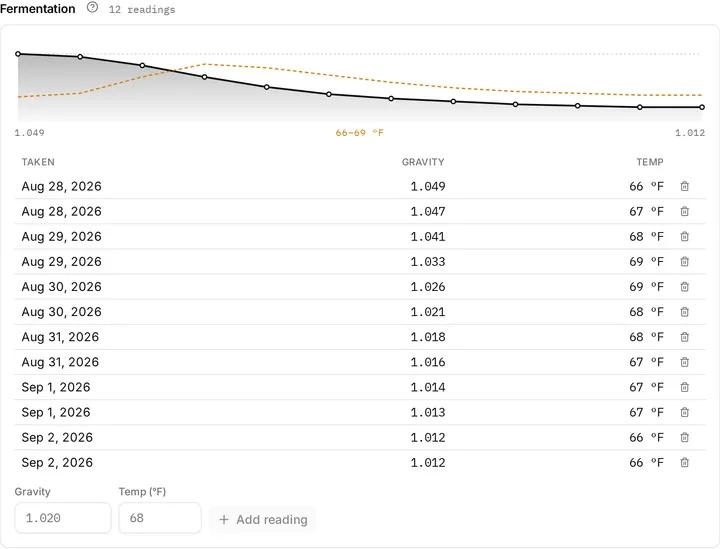
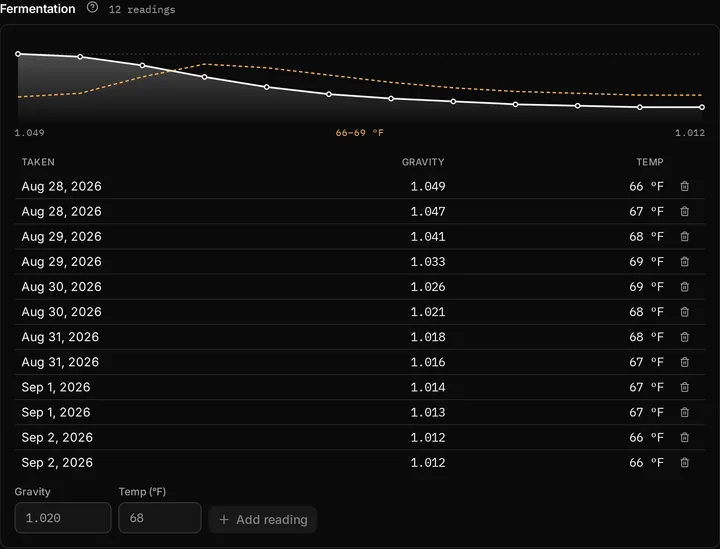
Put a wireless hydrometer in the fermenter and we chart gravity and temperature all the way down, on the batch page, next to the recipe that predicted them.
Seven ways in are supported by name, and each has its own page:
- Tilt, through the Tilt app’s Cloud URL or a TILTpi.
- TiltBridge, through its Generic Target, for Tilts with no phone beside them.
- RAPT Pill, through the RAPT portal’s custom webhook.
- iSpindel, through its own HTTP service.
- GravityMon, the firmware most iSpindel hardware runs now, on its own or through a GravityMon Gateway.
- BrewPiLess, through its remote logging, with the body it already sends to Brewfather.
- Fermentrack, through its Brewfather push target, one per hydrometer.
The endpoint is ordinary HTTP, so anything that can post JSON works too, and anything already posting to Brewfather can be pointed at us without changing its body.
Fermentation charts come with the Beerwright plan: you need it to set up a device and to see the chart. Your device never stops recording, though. If your plan lapses, readings keep arriving and we keep storing them, and they are all waiting for you when you come back. See Plans.
Adding a device
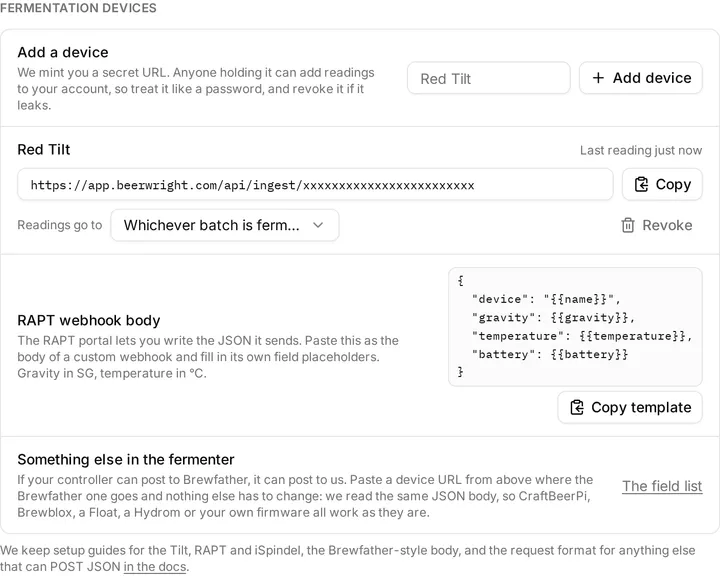
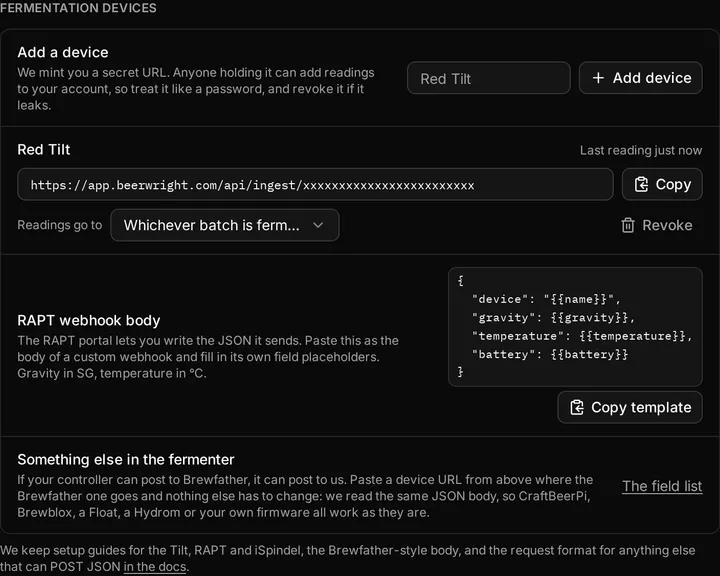
Section titled “Adding a device”In Settings → Fermentation devices, press Add a device. A name is optional; it is only there to tell two fermenters apart. We mint a device URL and show it with a copy button, and that URL is the whole setup. The device pages say where to paste it.
Then give it a little while. A Tilt’s default cadence is fifteen minutes, so “No readings yet” a minute after setup is not a fault. The device list shows when each device last reported, which is the quickest answer to “is it working?”
Treat the URL as a password
Section titled “Treat the URL as a password”Holding the URL is the whole permission. There is no separate username or key, so anyone who has it can add readings to your account. That is all they can do with it: it cannot read a recipe, a batch, or anything else. If a URL gets out, press Revoke on the device and set up a new one. The old URL stops working straight away.
You can hold up to ten device URLs at once.
Where readings land
Section titled “Where readings land”By default a reading lands on whichever batch is currently fermenting or conditioning, which is right for one fermenter and ambiguous for two. Running two, pin each device to its batch with Readings go to. A pinned device never guesses. The same control can point a device at a journal, for a ferment that has no batch behind it.
A reading that arrives when no batch is fermenting is kept rather than dropped, so a device that starts posting on brew day loses nothing. Those readings wait under Unclaimed readings in Settings until you move them to a batch or delete them.
One URL, several hydrometers
Section titled “One URL, several hydrometers”Some setups post more than one hydrometer to the same URL: a TiltBridge hearing every Tilt in the room, or the Tilt app with two Tilts behind one Cloud URL. The first time we hear a second name on a URL, that URL becomes a bridge and each hydrometer becomes a device of its own in Settings, listed under it, with its own pin and its own revoke. Nothing guesses after that: a hydrometer you have not pinned keeps its readings unassigned until you say which beer it is in, and pinning it brings over what it has already sent since that beer started fermenting.
Each batch keeps its most recent 15,000 readings, about five months at a Tilt’s cadence and longer than any fermentation.
Readings on the wrong batch
Section titled “Readings on the wrong batch”A device left running between beers, or pinned to the batch you finished last week, files readings where you did not mean them. You fix that from the chart on the batch page.
Drag across the chart to zoom into the readings you mean, and double-click to zoom back out. The two buttons under the chart act on whatever is in view. Delete what’s in view removes those readings. Move what’s in view files them on another batch you pick; nothing is deleted, and both charts catch up straight away.
Zoomed in far enough, to ninety readings or fewer, List readings shows them one per row with a tick box, and the buttons act on the rows you tick. That is the way to take out three bad points without touching the hour around them.
Deleting is permanent: readings are not part of the undo history, and we cannot bring them back. Your device carries on recording new ones.
Email alerts
Section titled “Email alerts”A device that is posting readings can also tell you when something changes. Settings → Notifications has a switch called Fermentation alerts, off until you turn it on. While it is on, a nightly pass looks at the last few days of every batch receiving readings and sends at most two emails about each one, ever.
| When | |
|---|---|
| A fermentation has stalled | Three days with no real drop in gravity, under 0.002, while still above 1.020. |
| A fermentation looks finished | Two days holding the same gravity, within one point, on a batch below that mark. |
Both are sent once per batch, not once a night. A stuck fermentation is still stuck tomorrow, and one email about it is a nudge while seven is a filter rule. A device that has gone quiet for two days is treated as a flat battery rather than a stalled beer, so a Tilt that stopped reporting does not produce an alert.
These are the thresholds the batch page itself uses, so an email and the chart never disagree about what “finished” means.
The email is a sentence and a link. No batch name, no recipe name and no gravity appears in any notification we send. The chart in the app is the record; the email exists to send you to it.
Related
Section titled “Related”- TiltBridge, for several Tilts on one URL.
- Settings, for the devices and notifications sections.
- Brew day and batches, for the chart on the batch page.
- Plans, for what the charts need.
Something wrong on this page? Tell us.